Not a companion app and not a rewrite. The same slicing engine and the same interface as the desktop version, compiled natively for Android phones and tablets and adapted for touch.
Android 9+ · arm64 & x86_64 · AGPL-3.0 · based on OrcaSlicer 2.5.0-dev
Demo
From an empty plate to G-code.
Real screen recordings on a tablet and on a phone, sped up 1.6×: add a model from the long-press menu, move, rotate and scale it with a finger, look through the settings, then slice.
Tablet · 2560×1600Phone · 1080×2400
Features
Everything you use on the desktop.
This is Orca's own code, so the features are the same: the profiles, the gizmos, every setting and the calibration tools.
Same slicing engine
libslic3r is built from upstream without changes, with the same algorithms, the same printer profiles and the same G-code as the desktop version.
Same interface
Orca's wxWidgets GUI runs on Android through wxWidgets' Qt backend: Prepare, Preview, gizmos, presets and the settings tabs.
Built for touch
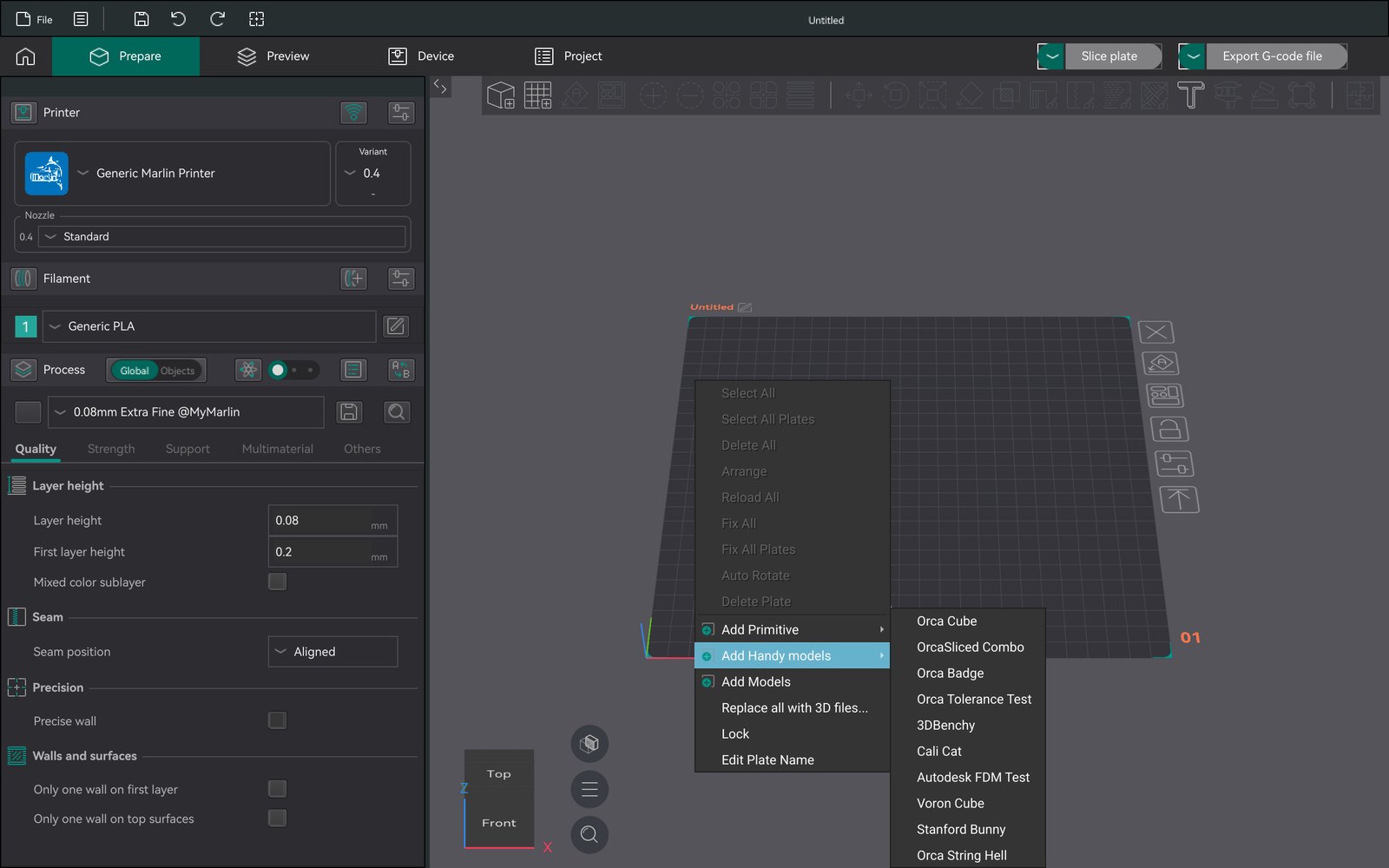
Tap to select and drag to move. Long-press for context menus. Pinch to zoom, two fingers to pan, twist to rotate. Kinetic scrolling, and the back button closes dialogs.
Phones and tablets
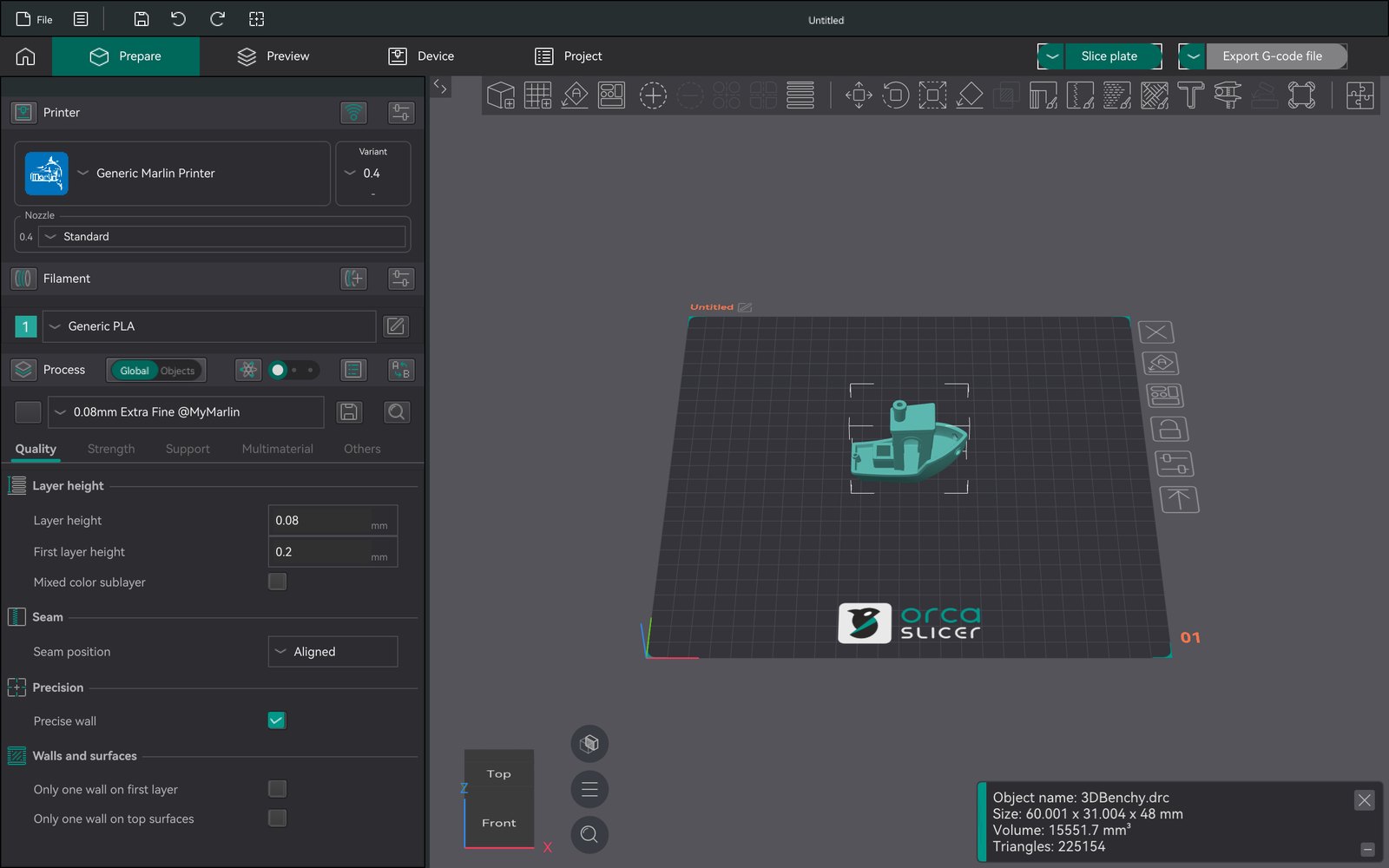
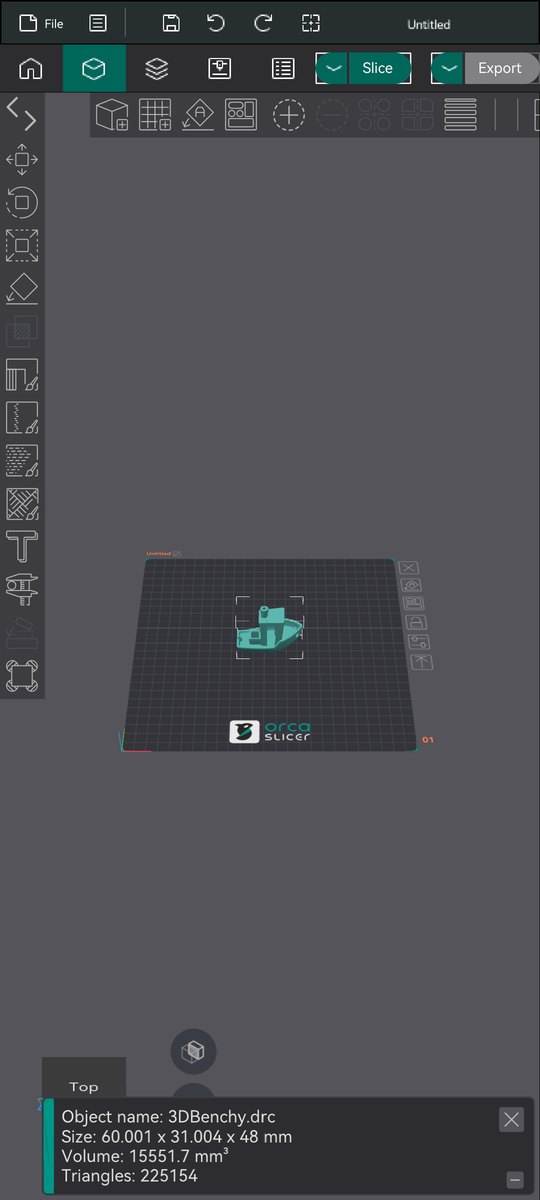
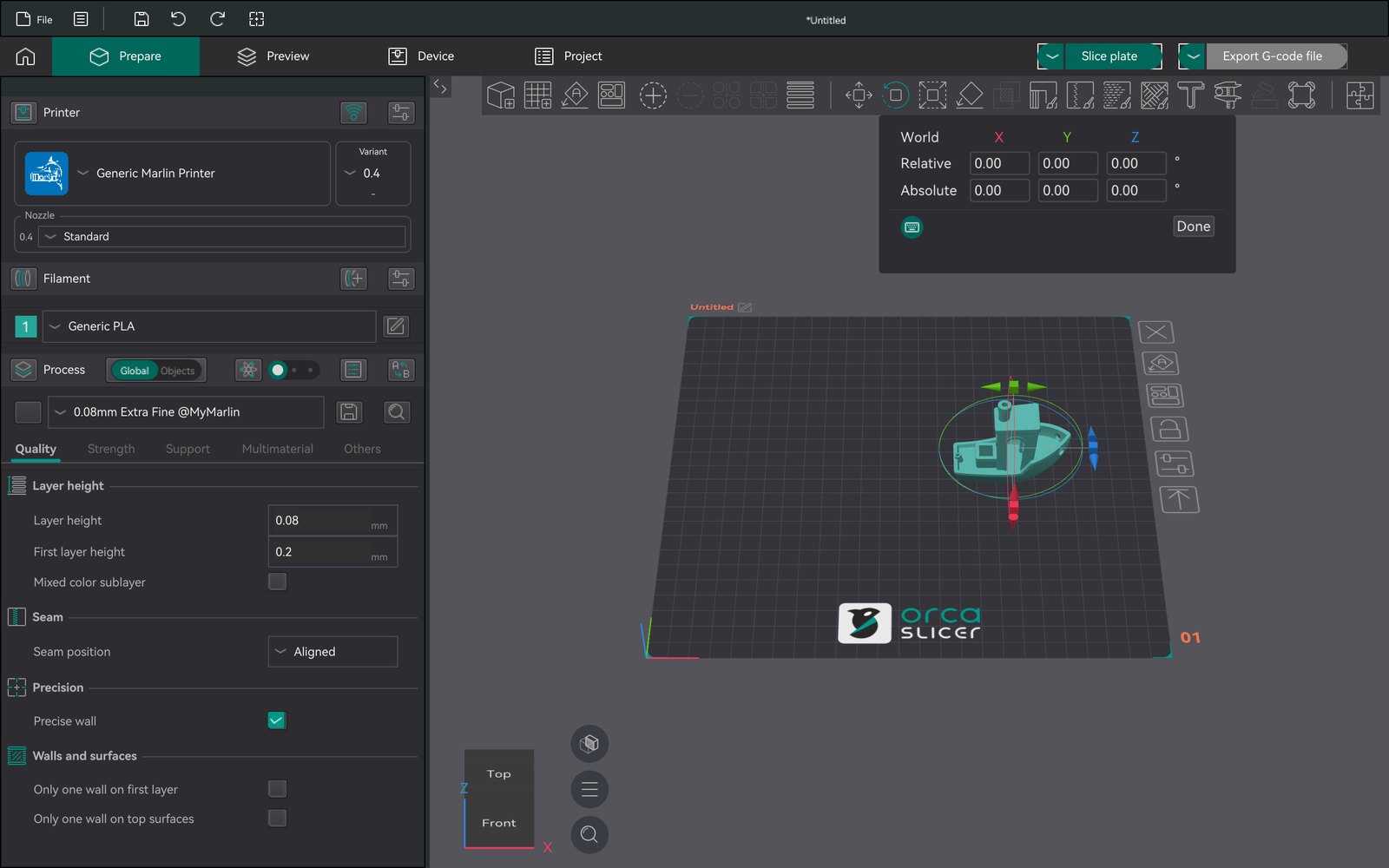
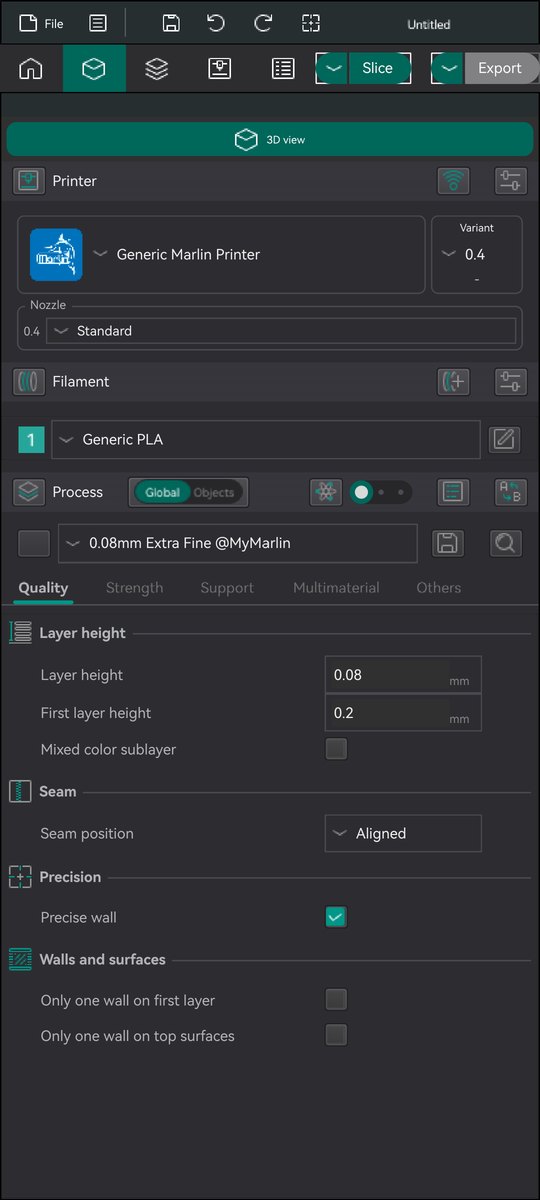
Tablets get the full desktop layout. Phones get a compact one: settings full screen behind a "3D view" button, a vertical gizmo column, and compact bars.
System file picker
Open STL and 3MF files from local storage, Google Drive or any document provider through Android's Storage Access Framework.
Native and multi-core
Compiled C++ for arm64 with OpenGL ES 3 rendering. Slicing uses every CPU core through TBB, like the desktop version.
Screenshots
It looks like Orca because it is Orca.
Captured on Android emulators: a 2560×1600 tablet and a 1080×2400 phone. Orca follows the system's light or dark theme. Tap an image to enlarge it.
Prepare. The full desktop layout with the process settings on the left.
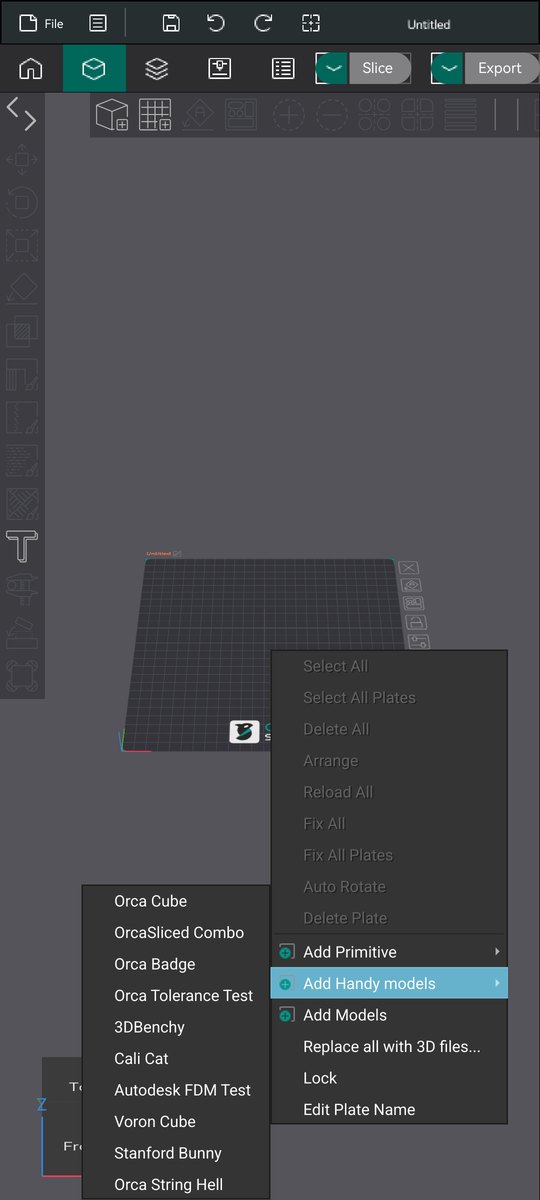
Long-press menus. Every right-click menu, here the plate menu with handy models.
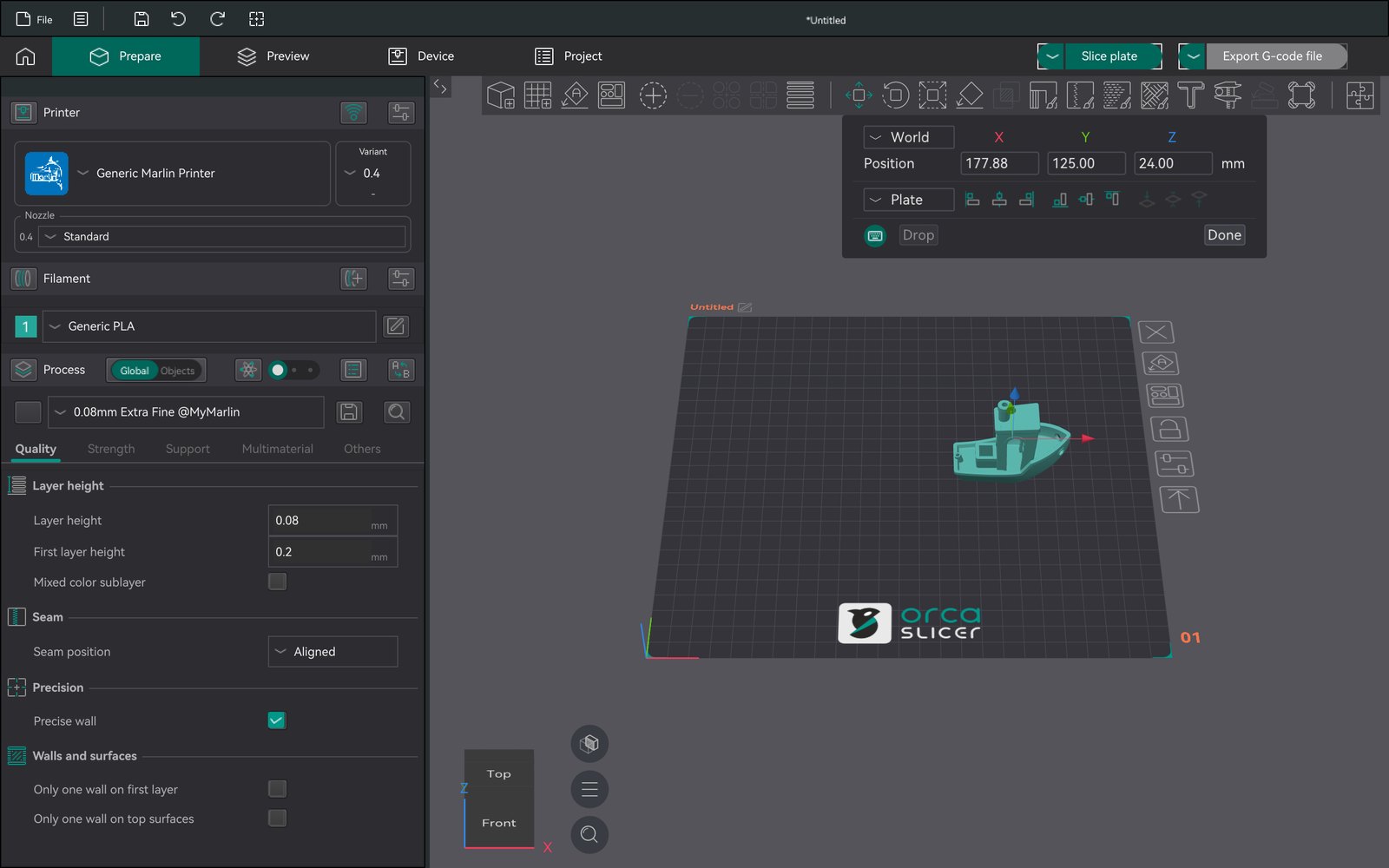
Move. Drag an arrow with a finger, or type exact coordinates.
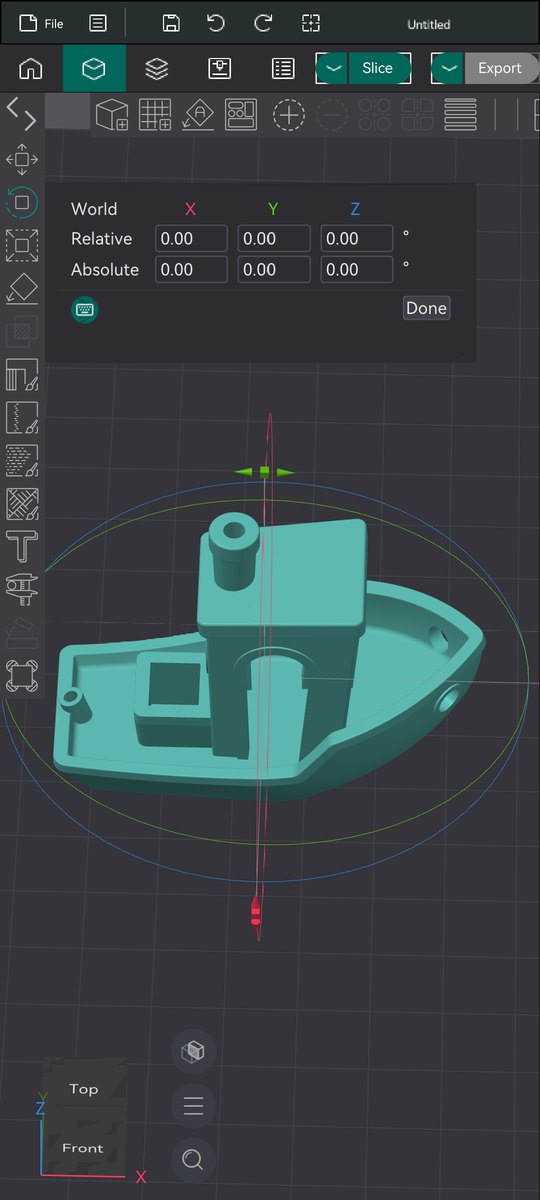
Rotate. The gizmos work exactly as on the desktop.
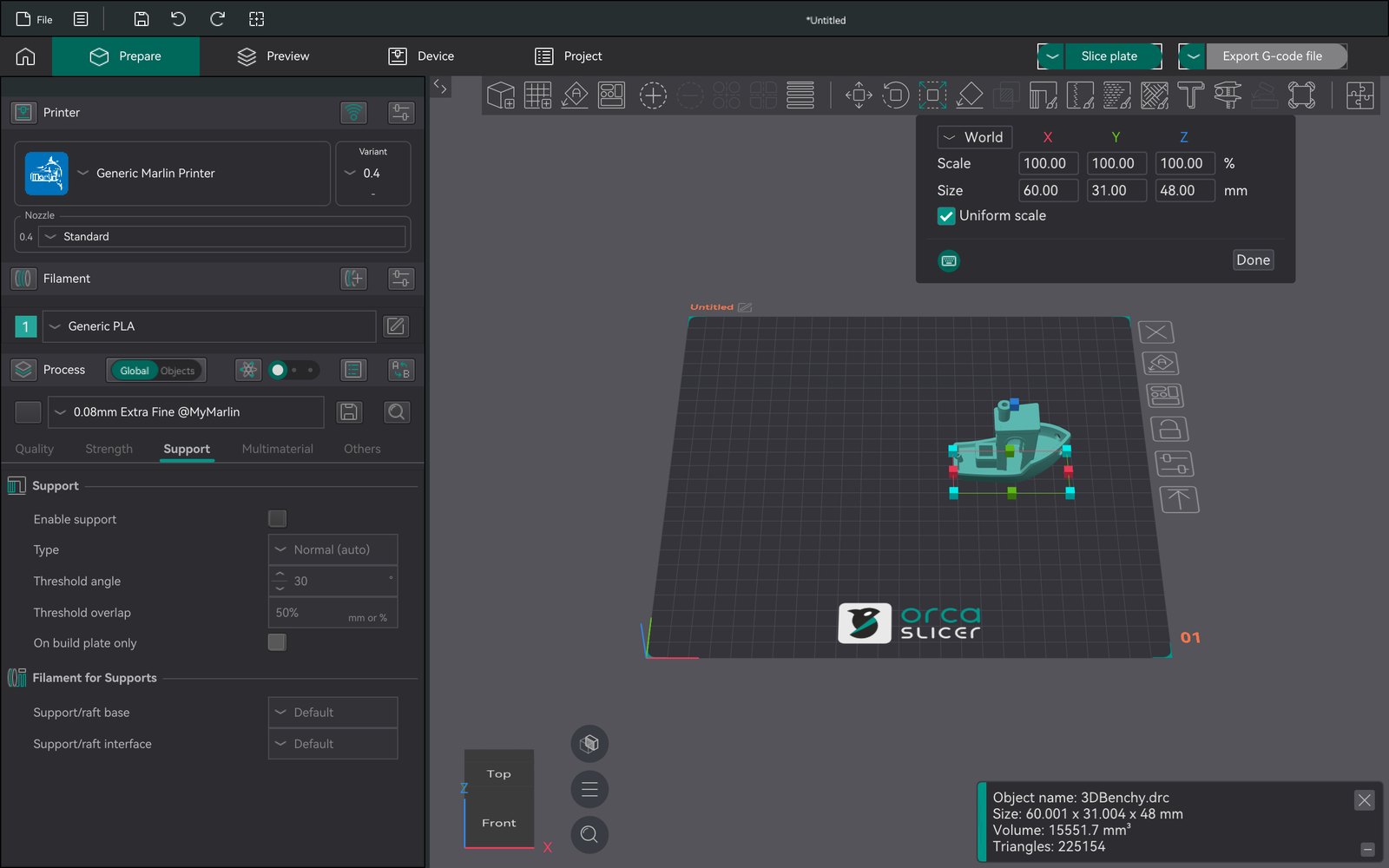
Every setting. Quality, strength, support and the rest, with presets.
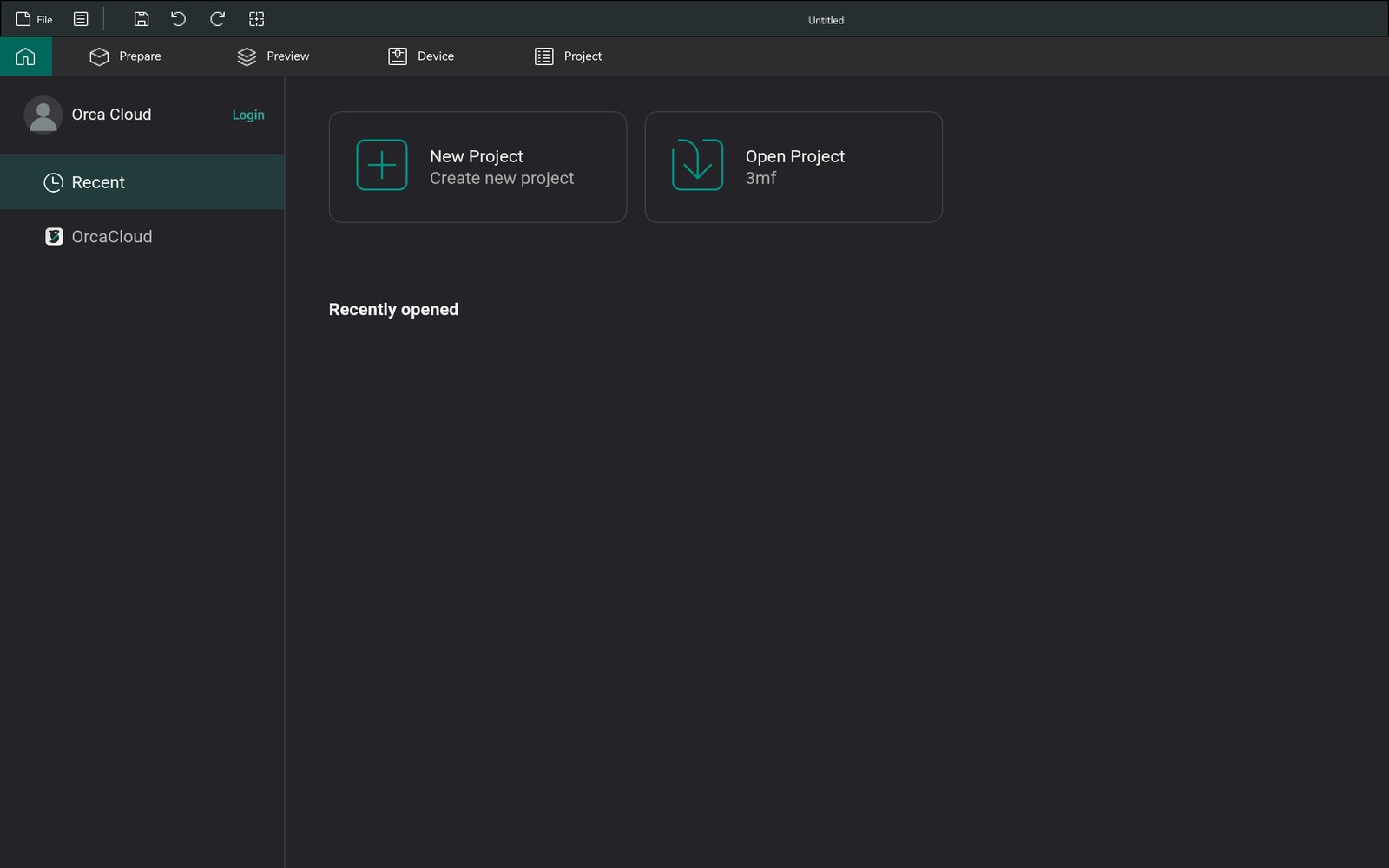
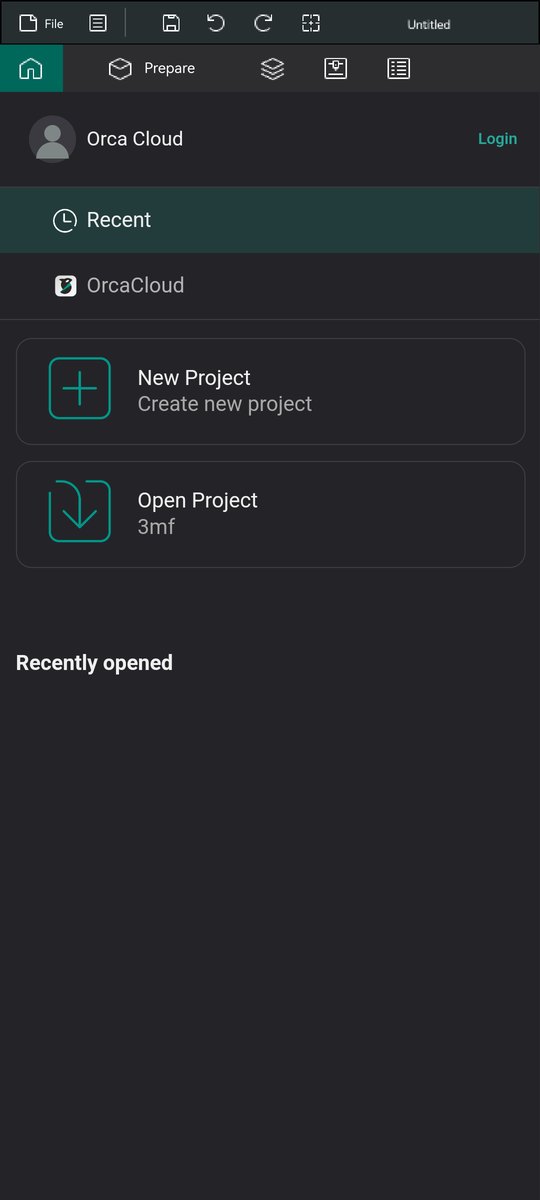
Home. Recent projects and quick start.
3D view. Full screen, gizmos in a column.
Gizmos. Sized for fingers.
Settings. One tap away, with a "3D view" button back.
Menus. Long-press for the context menus.
Home. Stacked for narrow screens.
How it works
A port, not a rewrite.
OrcaSlicer's interface is written against wxWidgets. wxWidgets has no Android backend, but it has a Qt one, and Qt runs on Android. The port makes that chain work on a touch screen.
wxWidgets on Qt, fixed for AndroidDPI-correct painting, full-screen windows and on-screen dialogs, touch converted to mouse and gesture events, kinetic scrolling, and shared GL contexts for the 3D views.
OpenGL ES 3Orca's GLSL shaders are converted to GLSL ES, with a GLES loader and ES-safe render paths in the 3D scene and the G-code viewer.
Android servicesJava bridges for the system WebView and the Keystore. The native file picker handles content:// URIs, and saved files are copied back through the Storage Access Framework.
Two patches, pinned upstreamEvery change is kept as one patch for OrcaSlicer and one for wxWidgets, so the port can follow upstream.
OrcaSlicer GUIsrc/slic3r/GUI: Orca's own interface, with small __ANDROID__ layout tweaks
Prerequisites and environment variables are listed in the README.
Status
Preview quality, and improving.
Most of Orca already works on Android today.
Working
Model import (STL, 3MF), handy models and primitives
Selection, arrange, and the move, rotate and scale gizmos
All printer, filament and process settings, and presets
Slicing, with the result, the legend and the layer sliders
Setup wizard, Home page, menus and dialogs
Touch gestures and the compact phone layout
This is an independent, unofficial project. It is not affiliated with or endorsed by the OrcaSlicer team, Bambu Lab or SoftFever. OrcaSlicer is developed at github.com/OrcaSlicer/OrcaSlicer, and bugs in this port should be reported here, not upstream.